Greetings, friends! Do you want to add a vintage film or painting sense to your selfie or picture? It’s quite simple and enjoyable thanks to Gemini AI. Just upload a well-lit photo, type a brief written message, and Gemini AI will turn it into a 4K retro-style portrait. It’s never been easier or more fashionable to stand out on social media.
The Specialties of Gemini AI
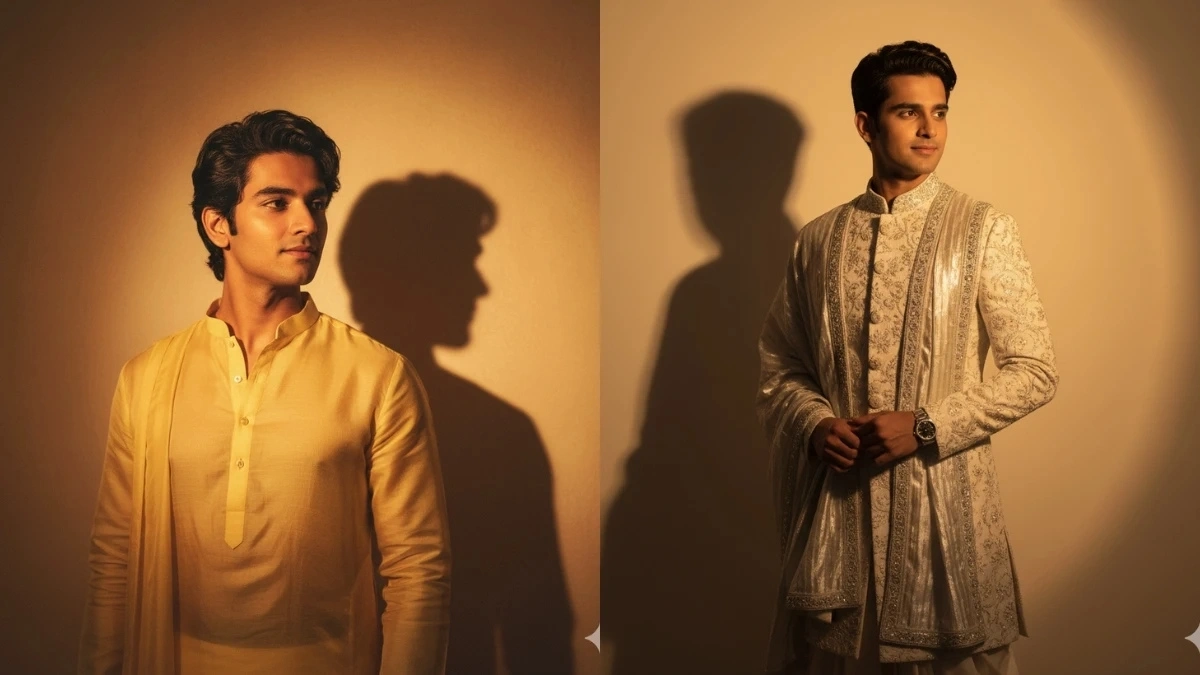
The most appealing aspect of Gemini AI is its organic feel. The warmth of vintage film cameras, delicate color balance, gentle lighting, and faint film grain are all captured. Every picture becomes ideal for social media postings, family photographs, or any kind of artistic endeavor thanks to this application. Just type “This photo looks like an 80s Hindi film poster,” and your picture will appear right away.
Gemini AI’s 10 Fantastic Retro Portrait Prompts
Prompt 1: A woman dressed in a 90s-style sleeveless top and cream-embroidered sari. Jasmine flowers and bun hair against the backdrop of a temple beside the river. Soft shadows and a faint smile give the picture a nostalgic vibe.
Prompt 2: A woman wearing a thick cotton sari, standing near an old door. Flowers adorn her hair. The light shadow on the wall adds to the 80s charm.
Prompt 3: A 1980s setting, with a woman in red jewelry and taper pants, her hair blowing in the wind. Sepia tones and deep shadows add mystery and timelessness to the photo.
Prompt 4: A vintage family-style studio portrait. The father in a gray suit, the mother in a simple silk sari, and the baby in their hands. Soft golden light from the window falls on their faces.
Prompt 5: The mother, with a slight maroon blush, holds the baby in her arms; the father, wearing a white kurta, holds flowers. The baby’s frilled clothing and the soft fairytale light and shadows add a special touch to the photo.
Prompt 6: An elderly couple, the woman in a green dress and a flower, the man in a gray suit. They look eye to eye. Sepia tones and soft lighting create a vintage feel.
Prompt 7: Simple and natural portrait. Girl in a white frock, red flower motif, jasmine in long hair, small bindi. Hands on waist, slight dream focus, and film grain.
Prompt 8: Male portrait. Wearing a cream shirt and tailored trousers, near a wall and a plant. Sunlight casts shadows on the wall. Faces are natural and strong.
Prompt 9: Traditional royal portrait. A man wearing a white kurta and a long turban, and a woman wearing a traditional scarf. Flowers in hair, color scheme reminiscent of 1970s cinema. Faces should be natural.
Prompt 10: Capture a natural moment. Man sitting on a wooden bench, navy turban and beige pants. Old book in hand. Greenery and trees in the background, soft and warm light. Faces should be clear and natural.
How to use Gemini AI
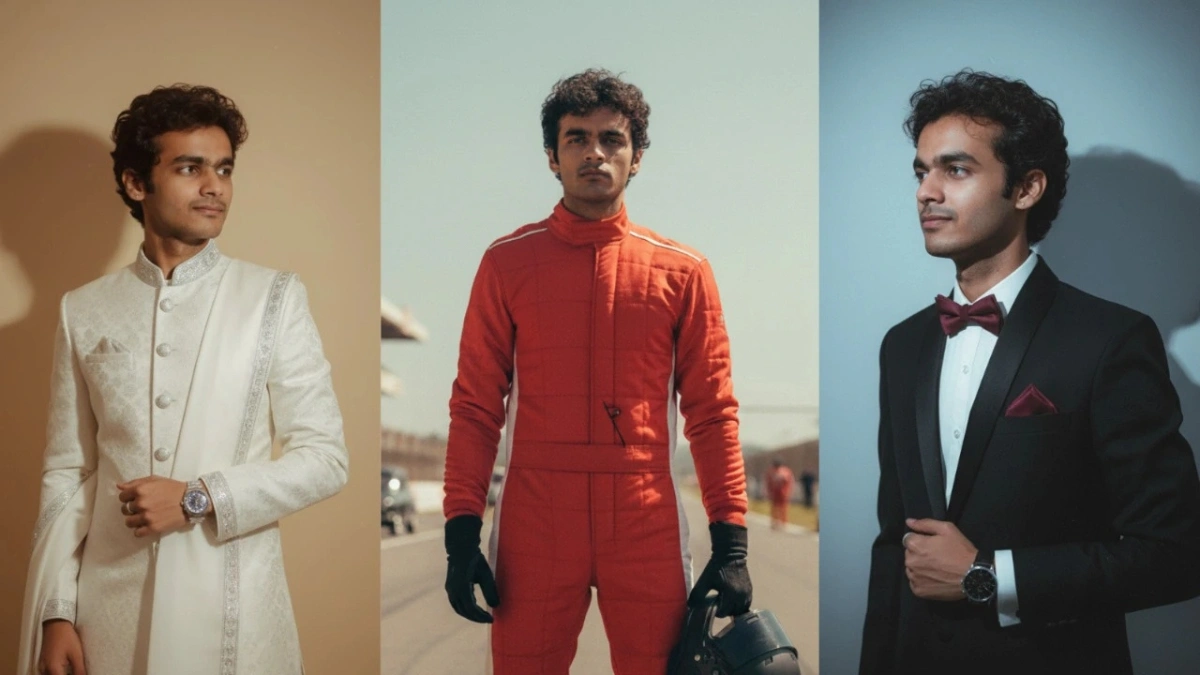
First, log in to the official site or app. Upload a clear and well-lit photo. Copy any of the prompts above or write a new one yourself. A 4K-quality retro portrait will be ready in one click. If desired, you can add smaller prompts and change the flowers, clothing, lighting, or background. Save the finished photo and share it on social media.
FAQs
Q1: Can all users use Gemini AI prompts?
A1: Yes, but only through the official site and app.
Q2: Does the photo retain its natural look?
A2: Yes, Gemini AI keeps the face and pose natural and only adds a retro touch to the color and style.
Q3: Can I use my own prompts?
A3: Of course, you can change the text input to suit your creativity.
Q4: Are these 4K portraits worth sharing on social media?
A4: Yes, they are high-quality and perfect for social posts.
Disclaimer: This article is for information and guidance only. Use Gemini AI only through the official site and app. Third-party platforms can pose security risks.
Also Read
Google Private AI Compute 2025: Smarter AI With Complete Privacy Protection